
Take control of your treatments. Feel better faster.
Control CEFALY with your phone. Track and optimize your treatments like never before. It’s all possible with the new CeCe Migraine Management app.



CEFALY values your privacy and takes the protection of your personal data seriously. Our app collects and uses your information to provide services and improve your experience. We do not sell your data and use secure measures to protect it. For detailed information, please review our complete Privacy Policy.


Power up your treatment routine
Start and control CEFALY sessions right from the app
Fine-tune your stimulation level
Track and adjust CEFALY treatment intensity in real time
Monitor your CEFALY sessions
See time and battery life remaining
Log migraine attacks
Record symptoms, frequency and more to see your treatment progress
Pinpoint your triggers
Identify migraine triggers so you can prevent attacks
Discover your migraine patterns
Generate PDF reports to share with your healthcare provider
Stay on track with treatments
Get reminders so you can stick to your prevention plan
About CeCe
Migraine is complicated. CeCe simplifies your treatment journey. The CeCe Migraine Management app empowers you to track, understand, treat and prevent migraine attacks so you can get back to life. Pair CeCe with the CEFALY Connected migraine treatment device to monitor and control your treatment sessions, optimize your intensity level, and track your progress over time. You can also use CEFALY without the app, or use CeCe on its own as a migraine treatment journal.
Small device. Big Relief.
How does CEFALY use eTNS therapy to prevent and relieve migraine pain?
Ready to get back to life?
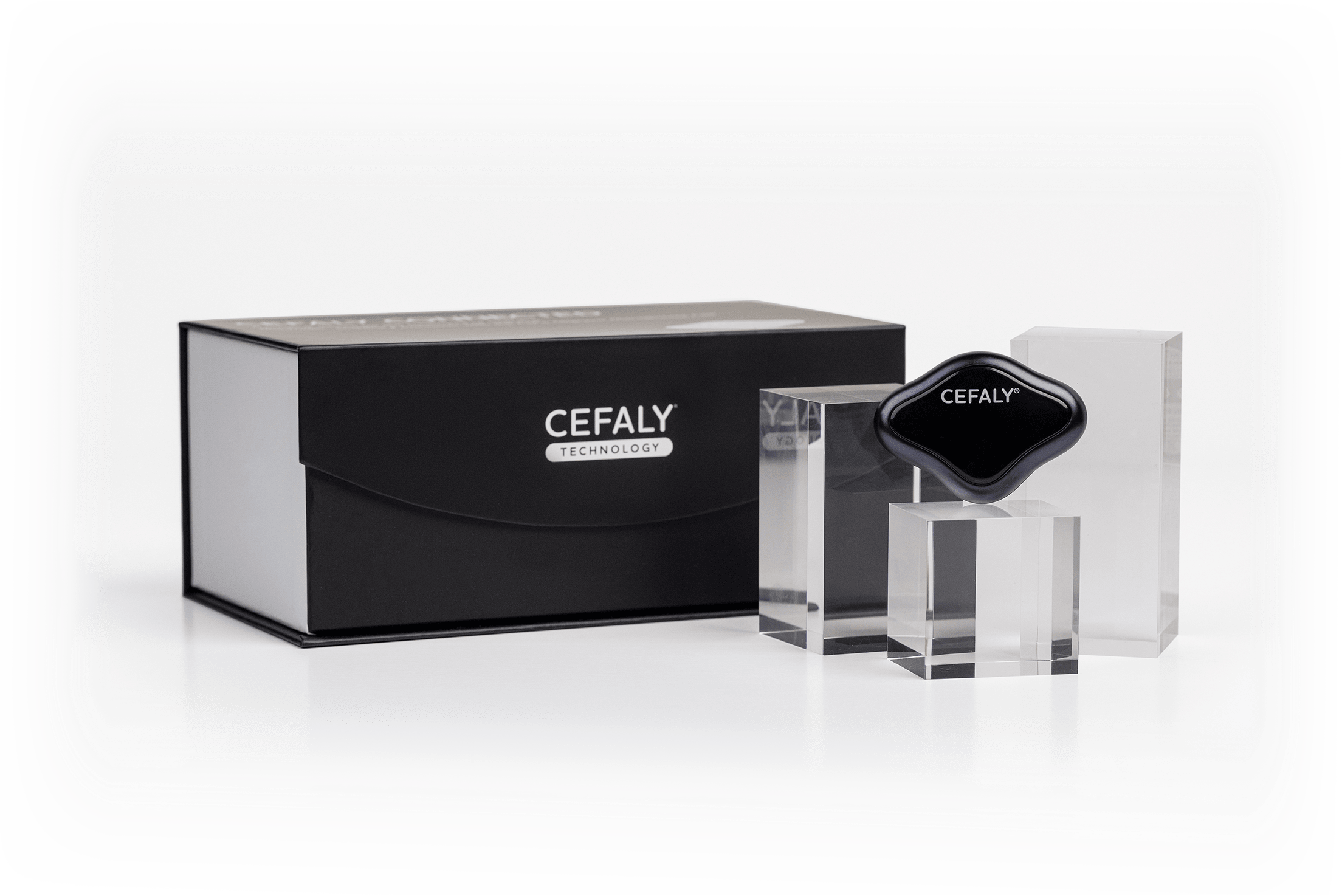
It’s time to try CEFALY Connected: the clinically proven neuromodulation device that soothes migraine pain and prevents future attacks.
What’s new about the relaunched CeCe app?
We updated CeCe to enable two-way communication with CEFALY Connected. You can use the app to:
- Start and end a CEFALY session
- Select ACUTE or PREVENT, so you can be sure you’ve picked the right treatment
- Stabilize the stimulation intensity at your ideal level
- Ramp up stimulation intensity by 1% increments
- See session time and battery life remaining
- Track CEFALY treatment intensity, frequency, duration and effectiveness
In short, CeCe gives you control over your CEFALY treatments, so you can get the best possible results. If you’ve ever had trouble pinpointing the perfect stimulation level (your sweet spot) or activating the PREVENT mode, CeCe can help.
The app is also more intuitive and easier to use! Thanks to user feedback, we streamlined the interface and made it simpler to pair CeCe with CEFALY Connected.
How do I connect my CEFALY device to the app?
First, find the PIN on the back of your CEFALY Connected device. Write it down somewhere that’s easy to access.
If this is your first time using CeCe, you will see a tutorial that shows you how to connect your CEFALY Connected to CeCe.
If this is not your first time in the app, press the blue power button at the top of the CeCe home screen. Then press the button on your CEFALY once to wake the device. You’ll see a dark blue light begin to flash. You now have 30 seconds to pair CeCe with your device. (If that time elapses, press the button again and restart the process.)
CeCe will search for your device. Once found, enter the pairing PIN on the back of your device (under the magnets). Your device should be connected!
What can I learn from my CeCe migraine reports?
Every time you log a migraine attack or treatment, the data is automatically compiled into your PDF report. Over time, you’ll be able to see patterns, such as:
- How many migraine attacks you have per month
- The average intensity and duration of a migraine attack
- Your most common triggers and symptoms
- The average effectiveness of your migraine treatments
- And more
Why does this data matter? It helps answer important questions about your migraine treatment journey, such as:
- Is your abortive medication effective?
- Are your migraine attacks becoming more or less intense over time?
- How much are your CEFALY PREVENT treatments reducing migraine frequency?
Do you have any video tutorials for CeCe?
We sure do! You can find them right here:
How to Control CEFALY with the CeCe App
How do I create an account in the CeCe app?
When you first download the app from your phone’s app store, you will be asked to either sign in or create an account. If you are new to CeCe, press “Sign Up” at the bottom of the screen to create your account.
Can I transfer my data from the old CeCe app to the new one?
Yes! When you first download the new CeCe from your phone’s app store, pick your language, then choose the option “Transfer your account from the previous app” on the sign in page.
All you need to do is enter your old email address, create a new password, and verify your email is correct. When you log into CeCe with your old email and your new password, your data will migrate to the new app.
If you try to create a new account with your old email address, you will be prompted to simply change your password and verify your email.

Product
Shop
Bundle & Save
Electrodes
How CEFALY Works
Affiliate
Trade-in Program
Become an Influencer
Meet Your CEFALY Coach
Product
Shop
Bundle & Save
Electrodes
How CEFALY Works
Affiliate
Trade-in Program
Become an Influencer
Meet Your CEFALY Coach
Product
Shop
Bundle & Save
Electrodes
How CEFALY Works
Affiliate
Trade-in Program
Become an Influencer
Meet Your CEFALY Coach
Download the CeCe App
The simply better migraine management app.